
-
When Did Google Ads Start? A Complete History and Overview
Google Ads started on October 23, 2000, originally as Google AdWords. It has since evolved into a major platform for online advertising, enabling businesses to reach targeted audiences effectively. Understanding the inception and evolution of Google Ads is crucial for marketers, business owners, and digital advertising professionals. Misunderstanding its history can lead to missed…
-
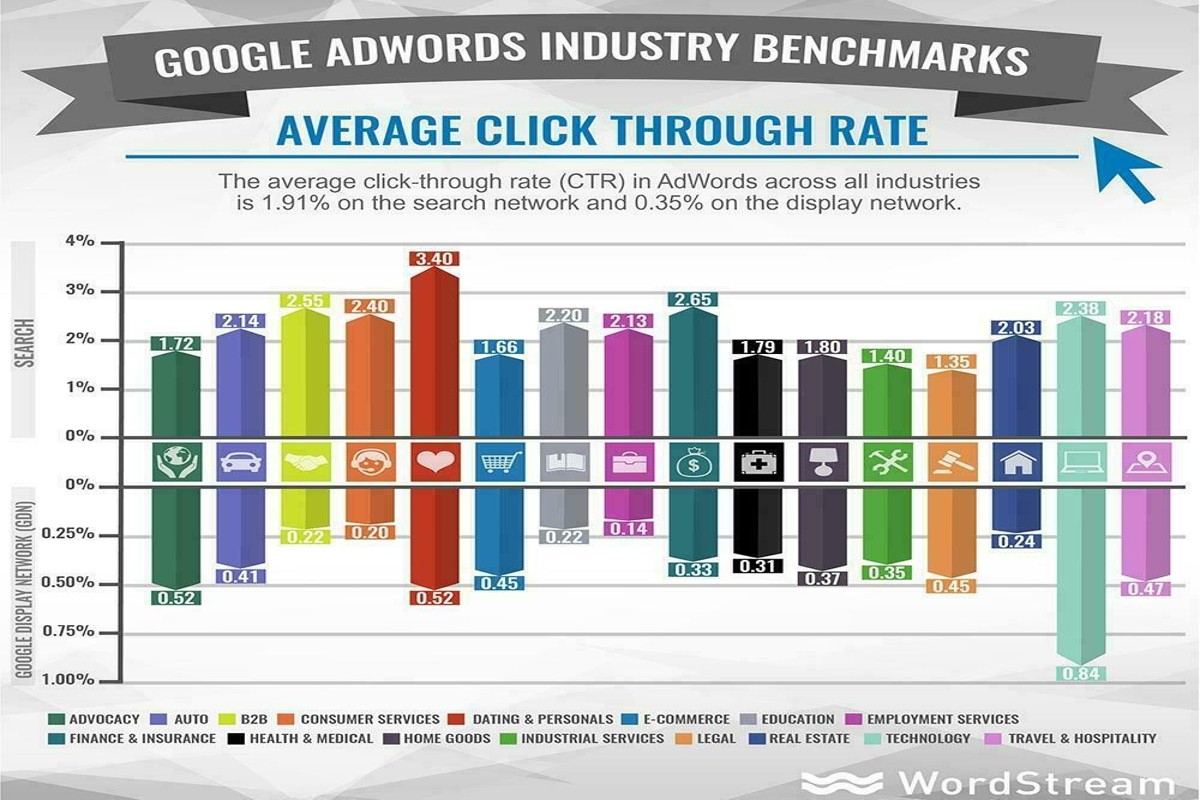
What’s a Good CTR for Google Ads? Expert Insights & Tips
A good CTR for Google Ads typically ranges from 2% to 5%, depending on the industry and campaign type. Higher CTRs indicate more effective ads, suggesting that your messaging resonates with the target audience. Understanding what constitutes a good CTR is crucial for marketers and advertisers aiming to optimize their campaigns. A miscalculation can…
-
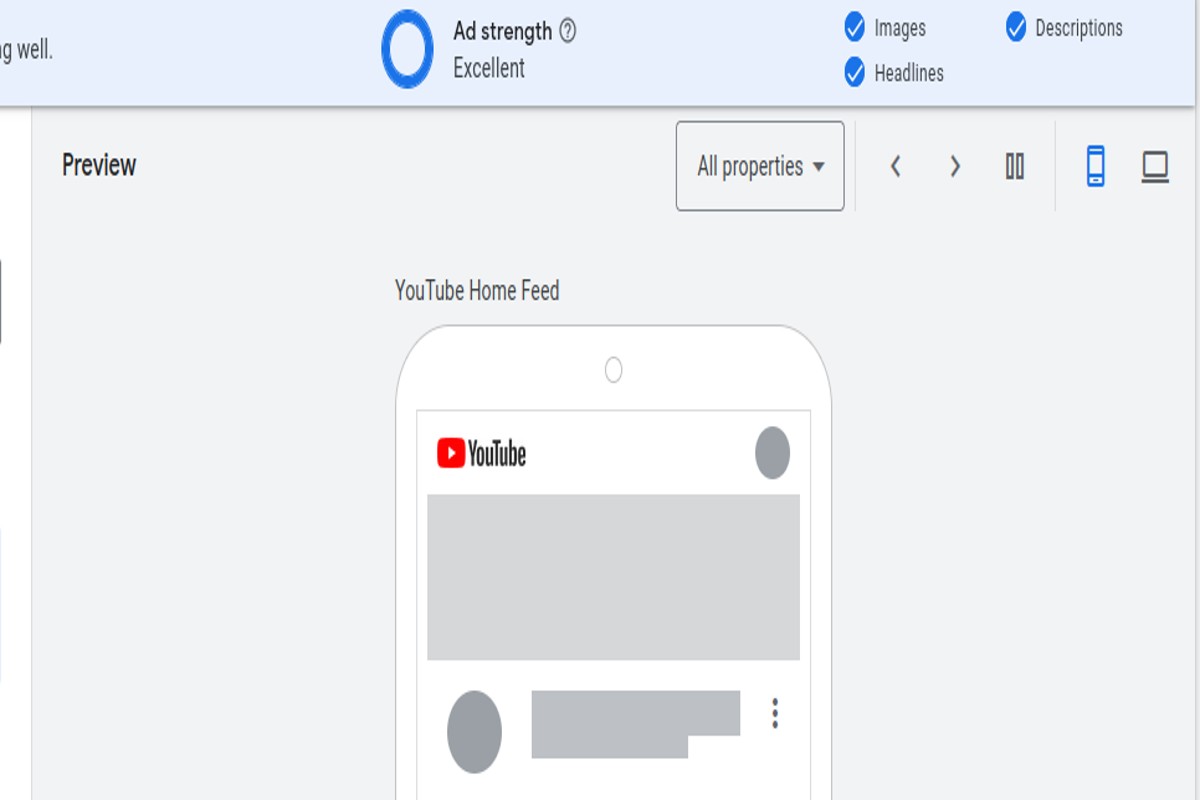
How to Preview Google AdWords Ad: A Complete Guide
To preview Google AdWords ads, use the Ad Preview and Diagnosis Tool in your Google Ads account. This tool allows you to see how your ads appear in search results without affecting your ad metrics. Understanding how to preview Google AdWords ads is crucial for advertisers aiming to optimize their campaigns. Accurate ad previews…
-
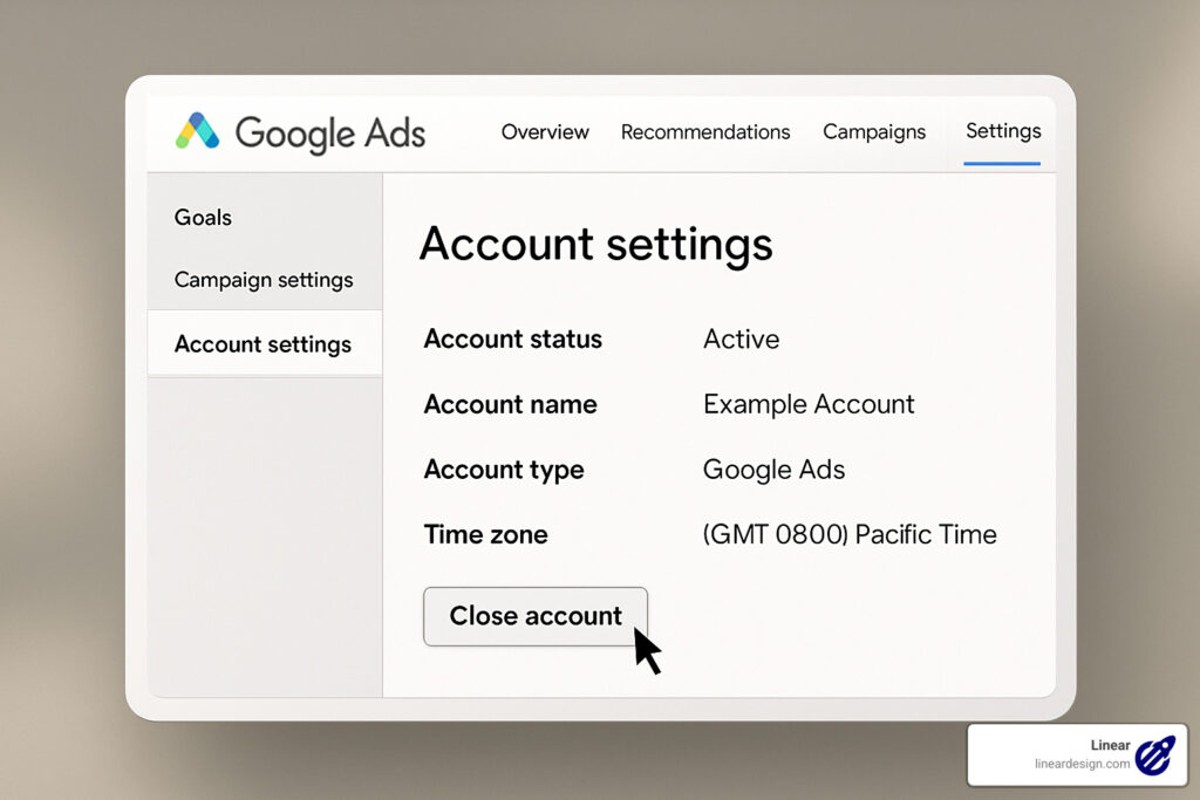
How to Delete Google Ad Account: A Step-by-Step Guide
To delete a Google Ad account, sign in to your Google Ads account, navigate to ‘Account Settings’, and select ‘Cancel Account’. Follow the prompts to complete the deletion. Understanding how to delete a Google Ad account is crucial for businesses and marketers wanting to manage their online advertising presence effectively. Incorrectly deleting an account…
-
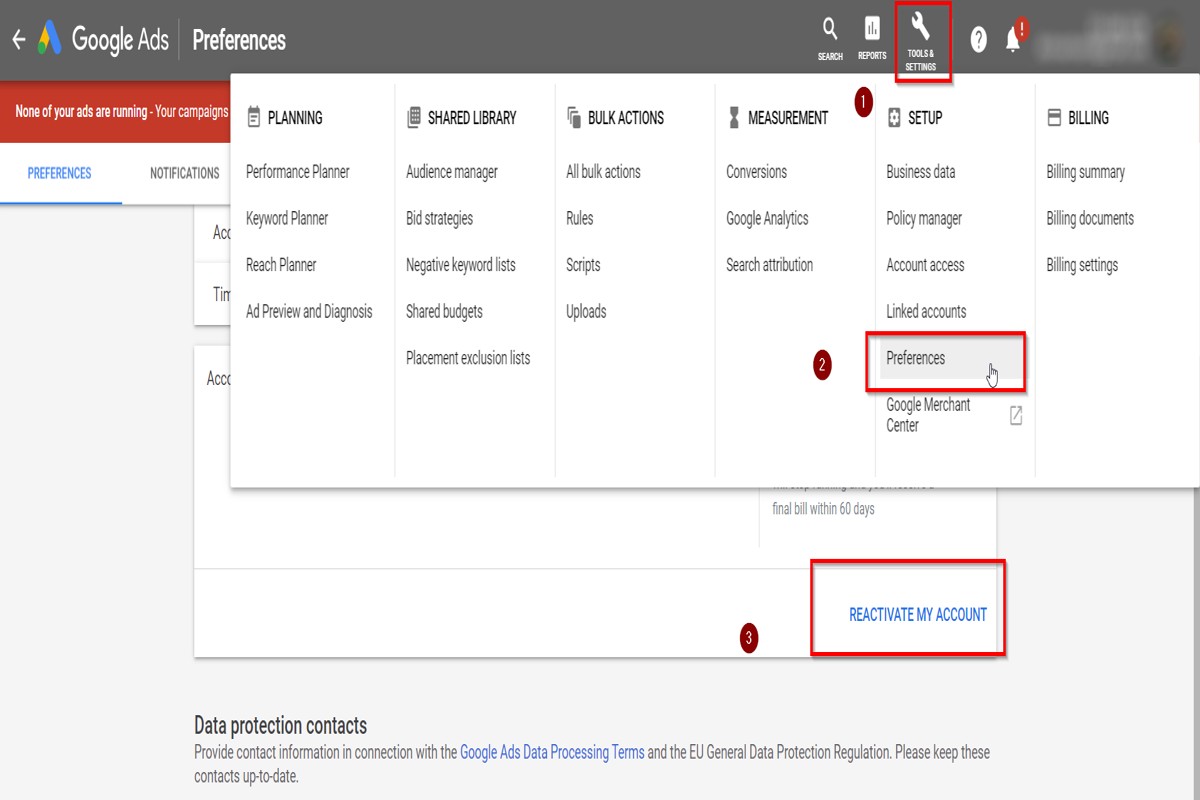
How to Cancel Ads on Google: A Step-by-Step Guide
To cancel ads on Google, log into your Google Ads account, select the campaign you want to cancel, and click on ‘Pause’ or ‘Remove’. This will stop your ads from running. Understanding how to cancel ads on Google is crucial for businesses managing their advertising budgets effectively. Incorrectly handling ad cancellation can lead to…
-
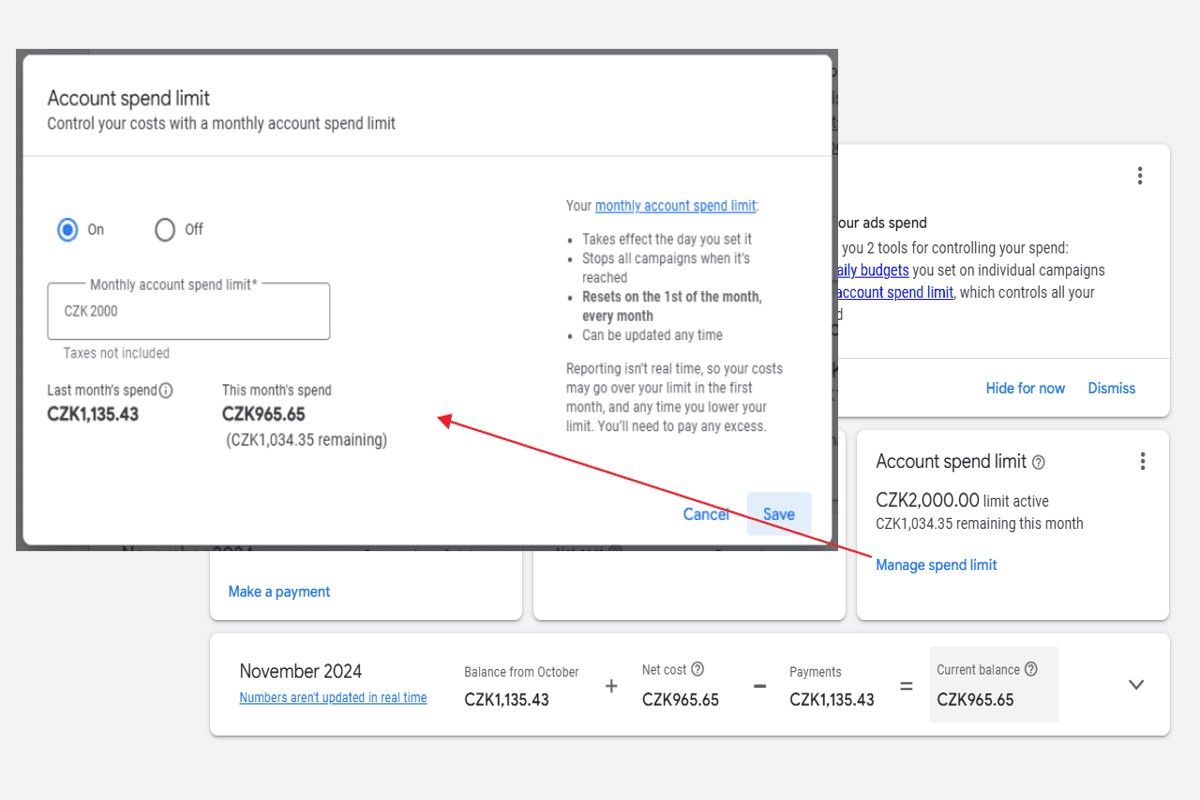
How to Set a Budget Cap in Google Ads: A Complete Guide
To set a budget cap in Google Ads, navigate to your campaign settings, find the ‘Budget’ section, and enter your desired daily budget limit. Save your changes to enforce the cap. Understanding how to set a budget cap in Google Ads is essential for advertisers seeking to control their spending and maximize return on…
-
How to ID Verification for Google Ads: A Complete Guide
How to ID verification for Google Ads involves a straightforward process where users log into their Google Ads account, navigate to the ‘Verification’ section, and follow the prompts to submit the required documents and information. ID verification is crucial for advertisers using Google Ads, as it ensures compliance with platform policies and helps prevent…
-
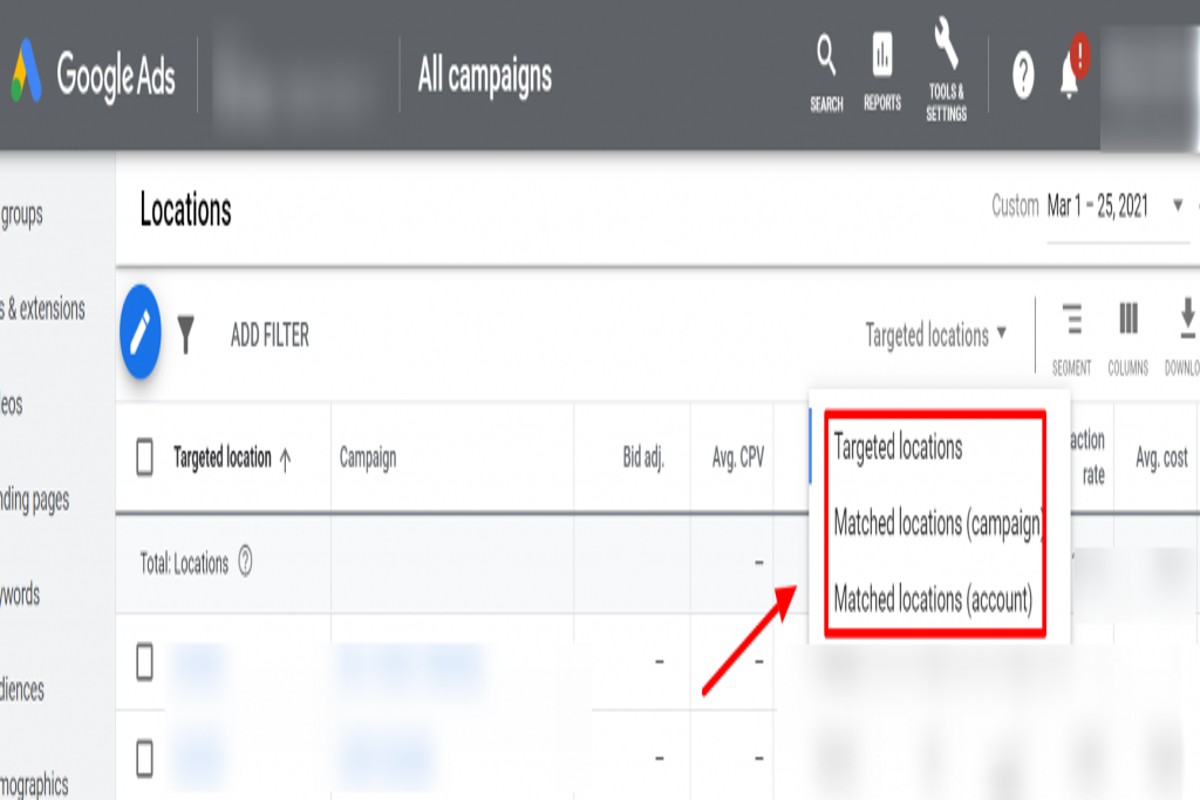
How to Find Matched Locations in Google Ads: A Complete Guide
To find matched locations in Google Ads, navigate to the ‘Locations’ tab in your campaign settings. Utilize the ‘Location options’ to refine your targeting based on geographic data, ensuring your ads reach the appropriate audience. Understanding how to find matched locations in Google Ads is crucial for advertisers aiming to optimize their campaigns. Accurate…
-
Can You Remove Conversion Action in Google Ads Editor? Here’s How
Yes, you can remove conversion actions in Google Ads Editor. To do this, navigate to the ‘Conversions’ section, select the action you wish to remove, and choose the delete option. Understanding how to manage conversion actions is crucial for effective campaign optimization in Google Ads. Advertisers who fail to properly configure or remove outdated…
-
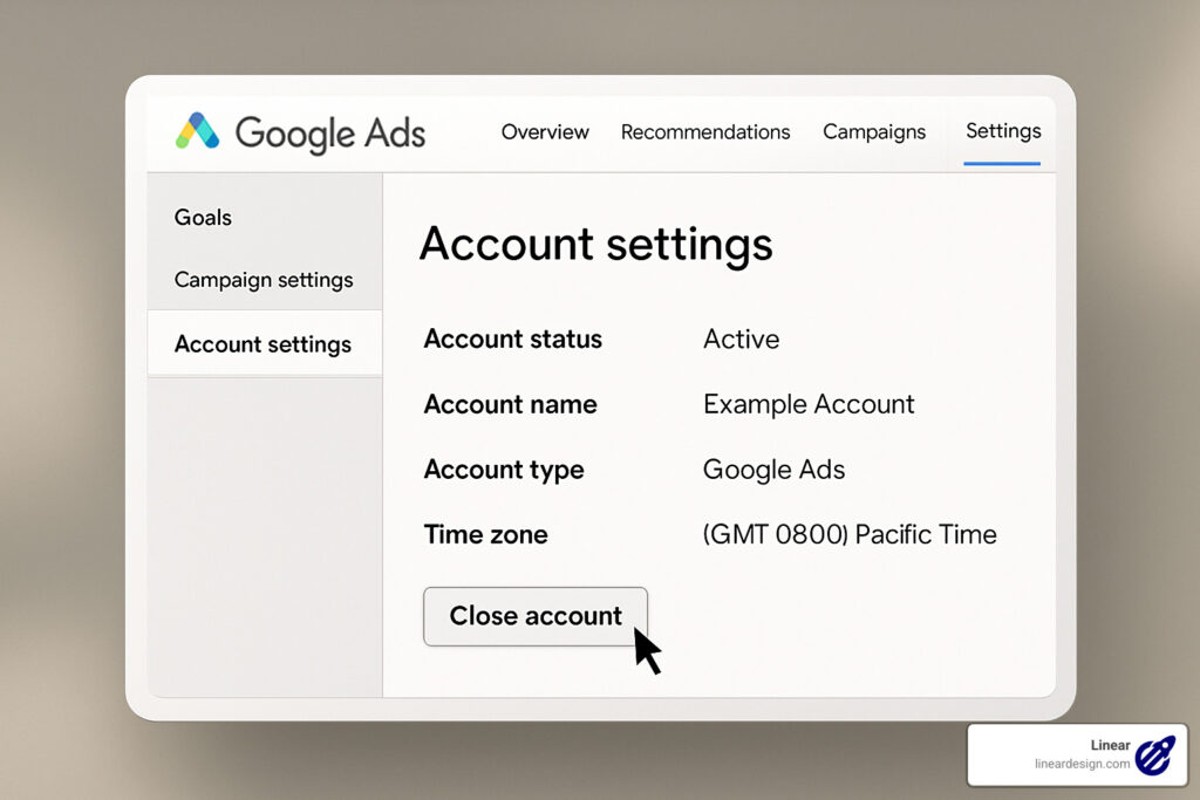
How to Delete Google Ads Account: A Step-by-Step Guide
To delete your Google Ads account, sign in to your account, navigate to ‘Account Settings’, and select ‘Cancel Account’. Follow the prompts to complete the deletion. Understanding how to delete a Google Ads account is crucial for businesses and marketers looking to manage their online advertising effectively. Incorrectly handling account deletion can result in…